 Motionflare
Changelog 03: More Languages, Subtitles, and Vertical Video

Joey
Founder / CEO
July 10, 2026
2 min read
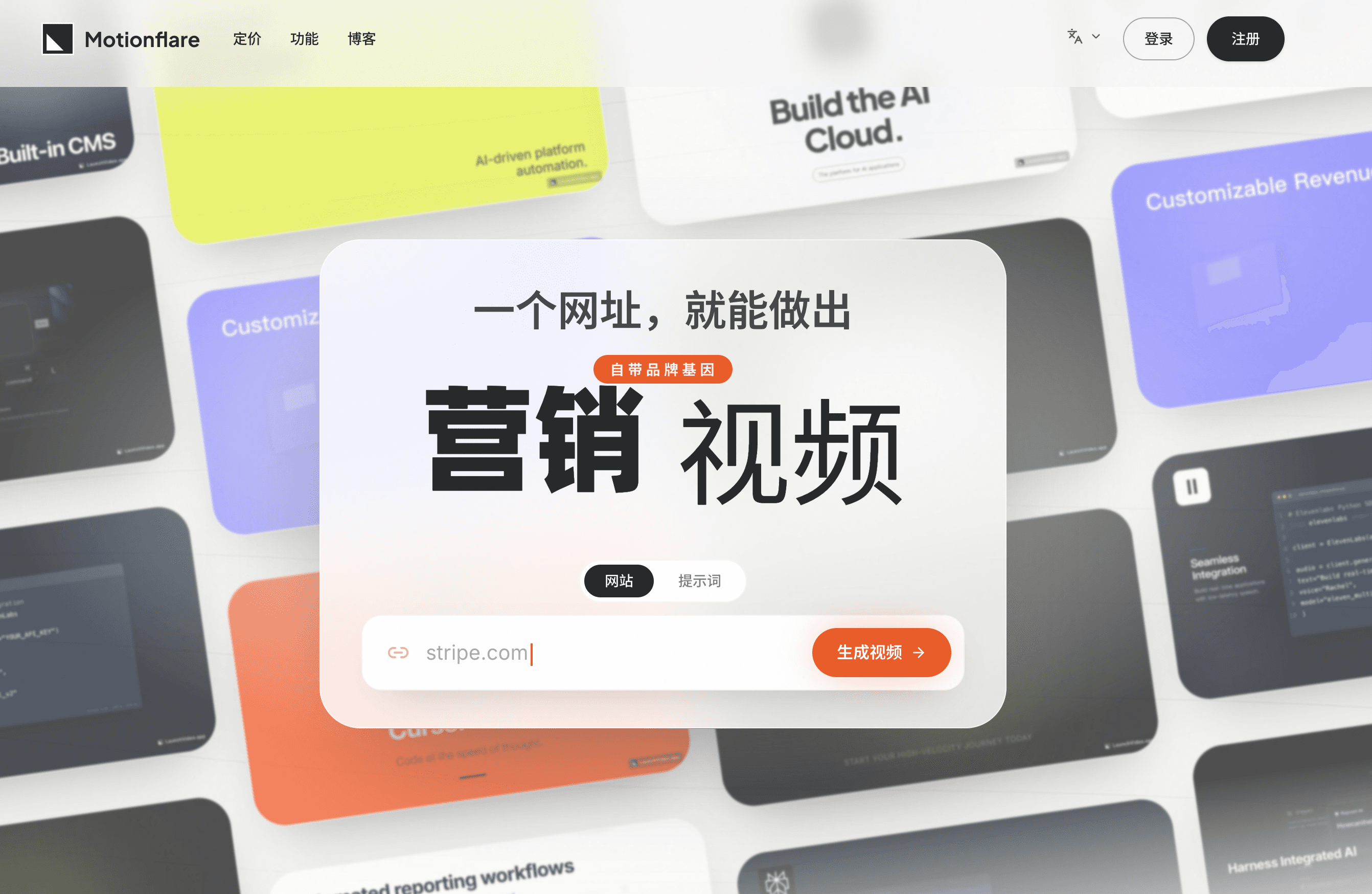
A launch video has to meet people where they are: in a language they understand, with words they can read even when the sound is off, and in a format that feels native to the screen in their hand.
This release does all three.
1. More languages, from interface to final video
Motionflare's interface is now available in ten languages. Inside every project, the screen-text language and the voice-over language can be chosen separately, so the words people read and the voice they hear both fit the audience.
Screen-text languages
- English
- Greek
- Spanish (Latin America)
- German
- French
- Chinese (Simplified)
- Chinese (Traditional)
- Japanese
- Korean
- Hindi
Voice-over languages and accents
- English (US)
- English (UK)
- Greek
- Spanish (Latin America)
- German
- French
- Chinese (Mandarin)
- Chinese (Taiwan Mandarin)
- Chinese (Cantonese)
- Japanese
- Korean
- Hindi
Pick the writing system your audience reads, match it with the voice or regional accent that feels natural, and Motionflare builds the video around both.
We also remember your preferred language. The next time you return, the product stays in the language you chose, and relevant emails can reach you in that language too.
Localization should not feel like a separate workflow. It should feel like making the right version from the start.
2. Subtitles that stay with the video
Many videos are watched before they are heard. Now you can turn on subtitles in the editor and make every line of narration readable from the first frame.
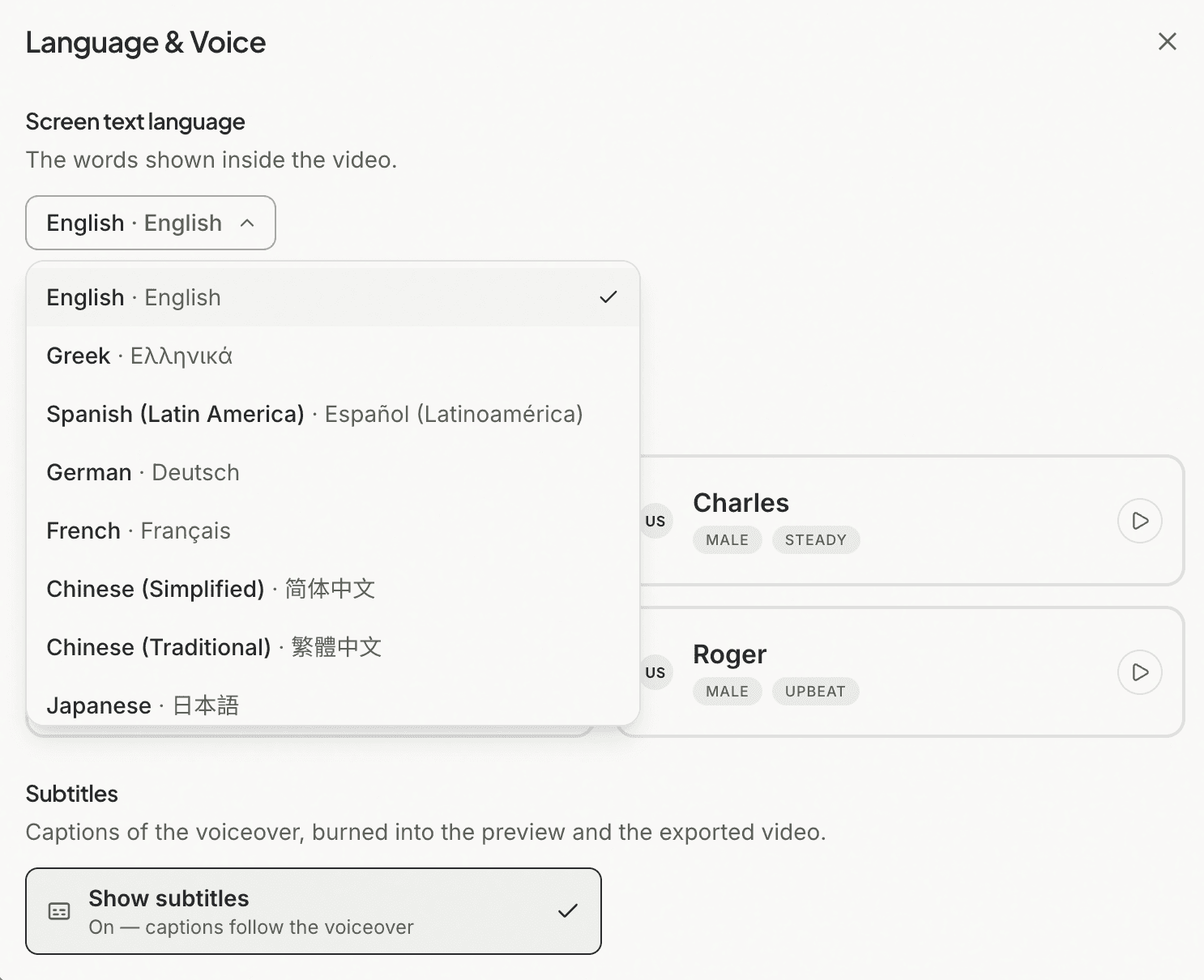
The subtitles are burned into the final video, so they stay visible wherever the video is uploaded or shared. There is no separate caption file to manage and no platform setting your audience has to find.
Each line reveals in time with the voice-over instead of appearing as a wall of text. A refined pill treatment keeps the words legible as scenes, colors, and motion change behind them.
Turn subtitles on when the message needs to land with the sound off. Leave them off when the visuals should stand alone. It is one switch, and the exported video matches what you saw in the editor.
3. A native 9:16 canvas
Landscape video is not the natural home of every launch. Motionflare now supports a 9:16 portrait aspect ratio built for TikTok, Instagram Reels, YouTube Shorts, and other mobile-first placements.
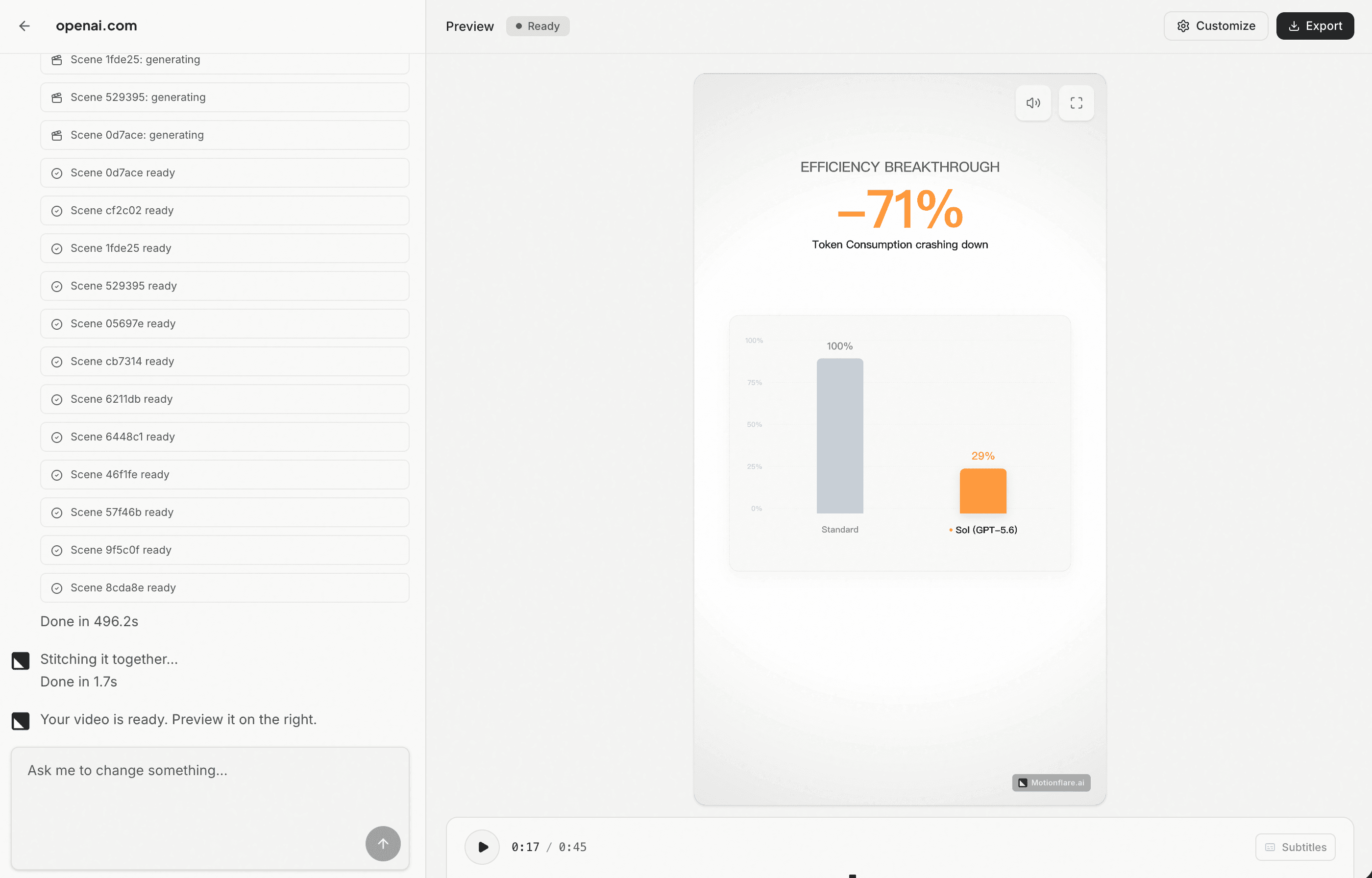
Choose the format at the project level, then generate, preview, refine, and export without leaving that canvas. The preview and timeline adapt to the portrait layout, and every generated scene is composed for the taller frame rather than cropped into it afterward.
The result is a video designed for the screen it will actually live on—full-height, immediately readable, and ready to publish.
More languages help the message travel. Subtitles help it land without sound. Portrait video puts it in the format people are already watching.
All three are live now. Make your next video at Motionflare.ai, and tell us what you want to see in Changelog 04.