on-brand
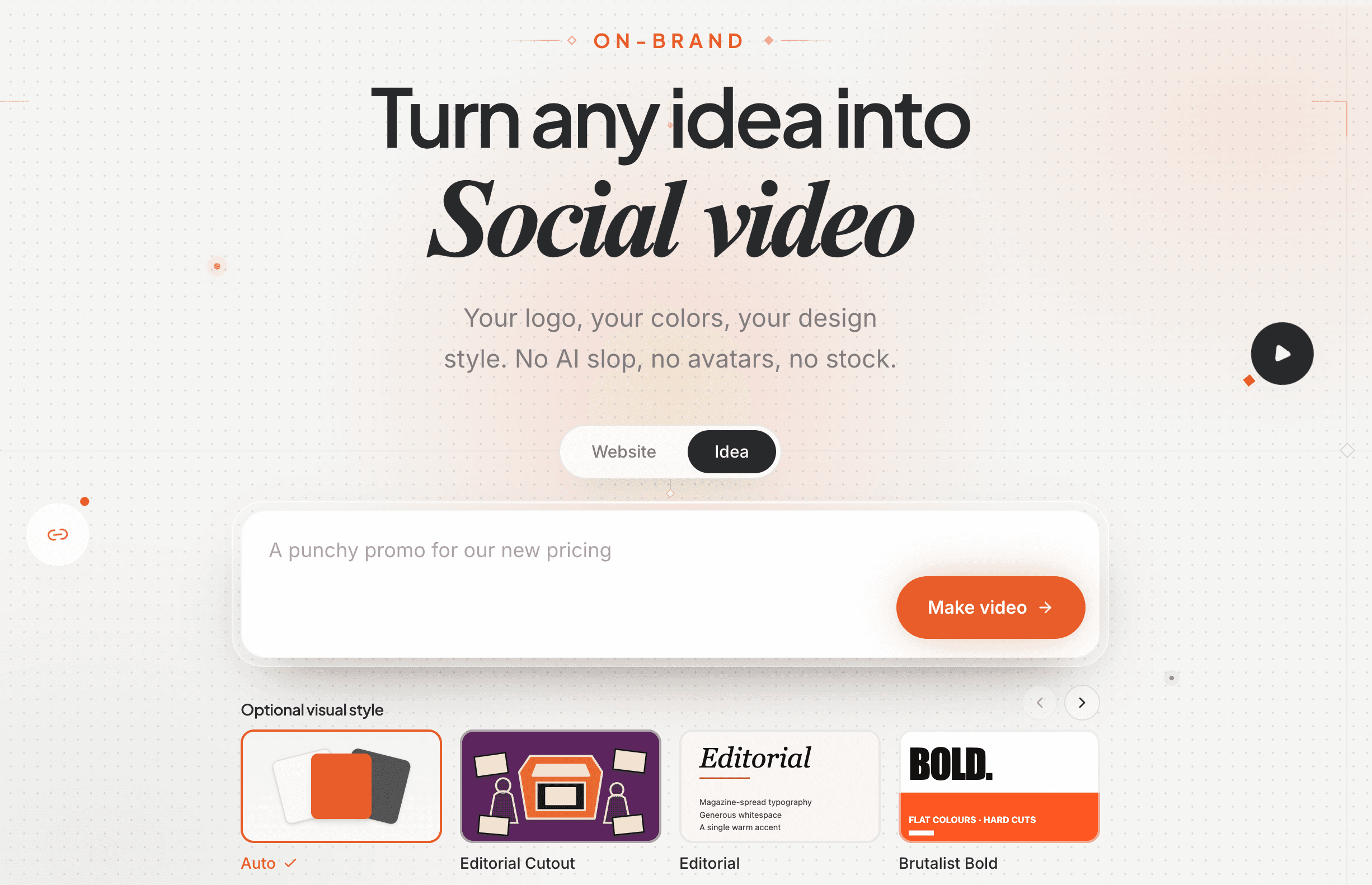
Turn any website into Marketing, product, and ads video 1 link. 10 minutes. $10k quality.

Your logo, your colors, your design style. No AI slop, no avatars, no stock.

Make your video

Free to try · No credit card · Ready in minutes

Real sites, real films. Every one below was made by Motionflare.

SHOWCASE · MADE FROM A URL

Every one of these started as a URL.

One website in, one finished video out. They play on their own; click any one to watch with sound.

Make one from your site
See every video
A letter from the founder

A letter to founders and marketing teams

To you, who just chose to trust Motionflare

I'm Joey Zhu, an engineer, and I built Motionflare. I can ship a product in a weekend. The first video I made for one cost me a week of keyframes, and it looked nothing like the thing I'd built.

Nobody warns you about that part. Building a product and getting it seen are two different jobs, and most video tools want you to become a motion designer before they help with the second one.

So we built Motionflare from the other end. You give it a URL, or one sentence. It takes your real logo, your colors, your words, writes the film and its score, and hands back a finished video. Add narration if you want it. The complicated part still happens. We just moved it backstage. We ship every week, and most of what goes out started with a founder telling us what could be better.

I know the hour this gets read: the product is finally done, the launch is tomorrow, and nobody has seen it yet. That hour is why Motionflare exists. Creating and previewing stay free, because you shouldn't have to pay to see whether your idea looks good.

Someday one of these videos will be the reason a product finds its first thousand people. Yours deserves to be seen, and that shouldn't take weeks. Thank you for trusting us with it.

Joey Zhu

Joey Zhu

Founder / CEO, Motionflare

Common questions

How do I turn a website URL into a product demo video?

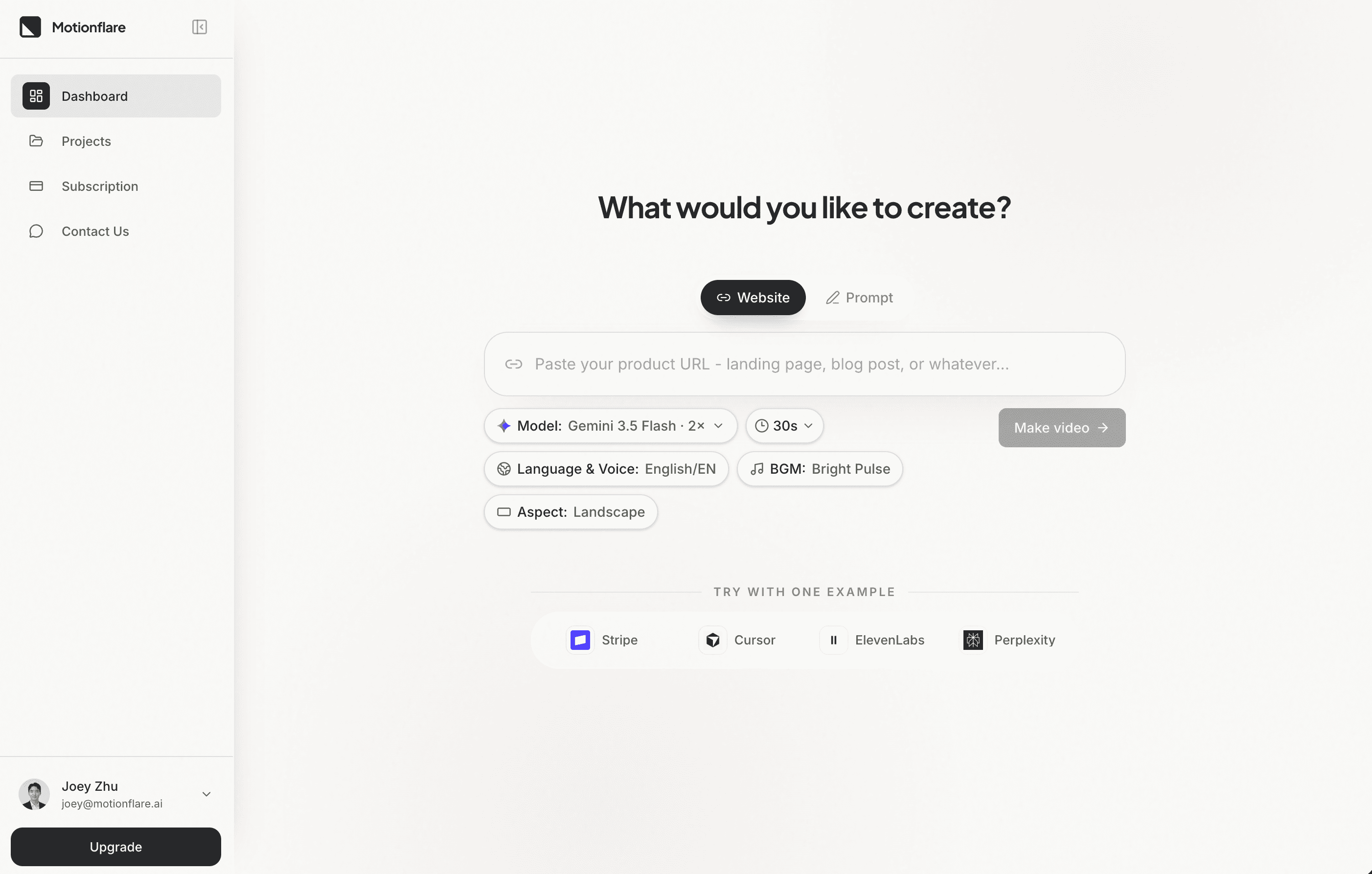
Paste a public product URL into Motionflare. It reads the page, captures real UI screenshots, and writes an on-brand demo with a score made for the film. Narration is optional. Watch the finished video in your browser before paying to export.

Turn a website into a videoProduct demo video

Does Motionflare use my real product interface, or stock footage?

Real interface. Screenshots are captured from the live page you paste and composed into scenes, so the video shows your actual UI rather than stock clips or a generated approximation.

Turn a website into a video

What does it cost if I only need one video?

The free plan includes 10 one-time credits and a complete browser preview. To export without a subscription, buy a Flex pack: $15 gets 40 credits and unlocks 1080p and 4K export without a watermark. A subscription starts at $29 per month.

Pricing

How the video is made

Motionflare is an AI motion graphics generator: paste a public URL and it writes a scored film from your site's copy, logo, colors, and screenshots. Narration is optional. The film is one code program, rendered frame by frame with Remotion from real type and product imagery.

Create videos and motion graphics with React.